Easee
Find your charger in the Easee app.
Open the Easee app on your phone (iOS or Android) and find your charger on the home screen.
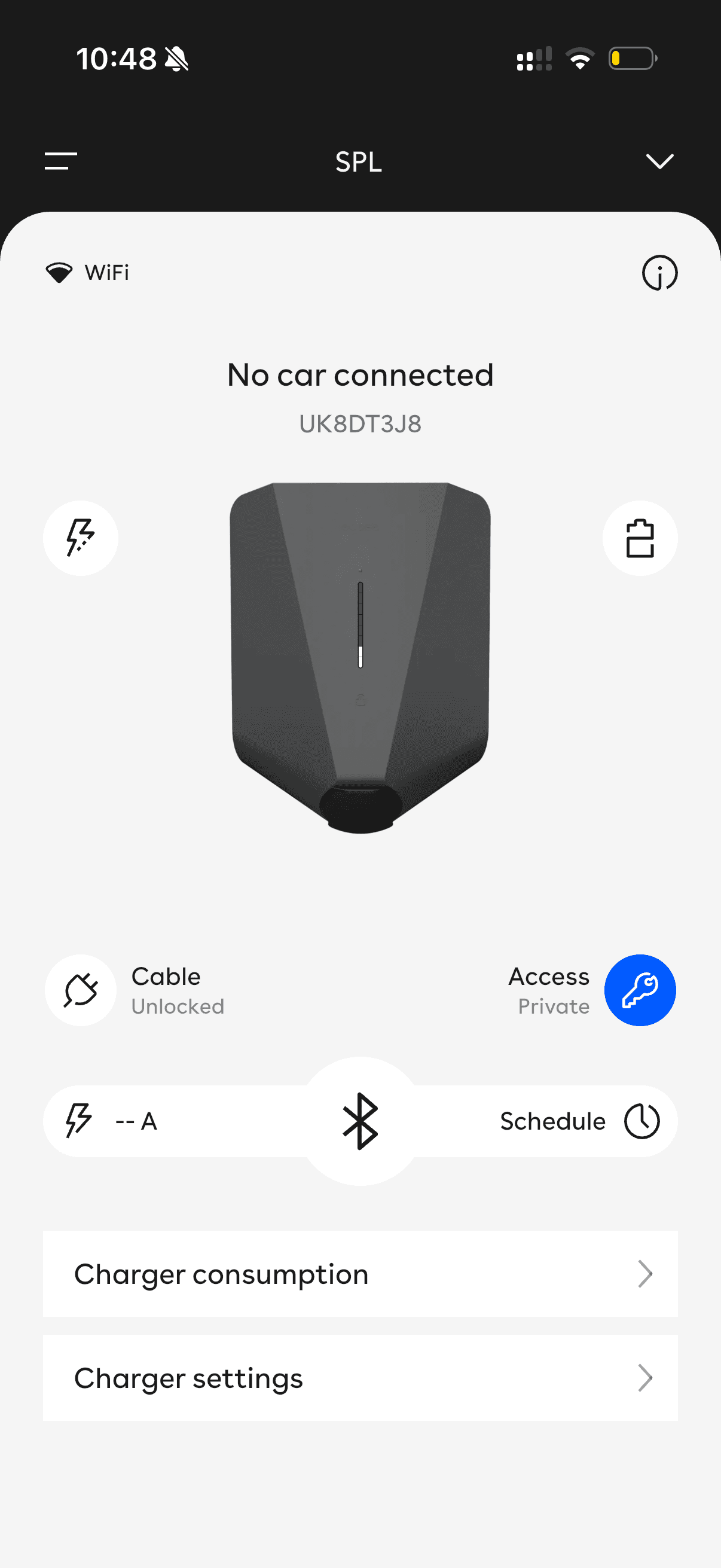
Swipe the charger card down and press Site settings.
Swipe the charger card downwards to reveal the Site settings button, then tap it.
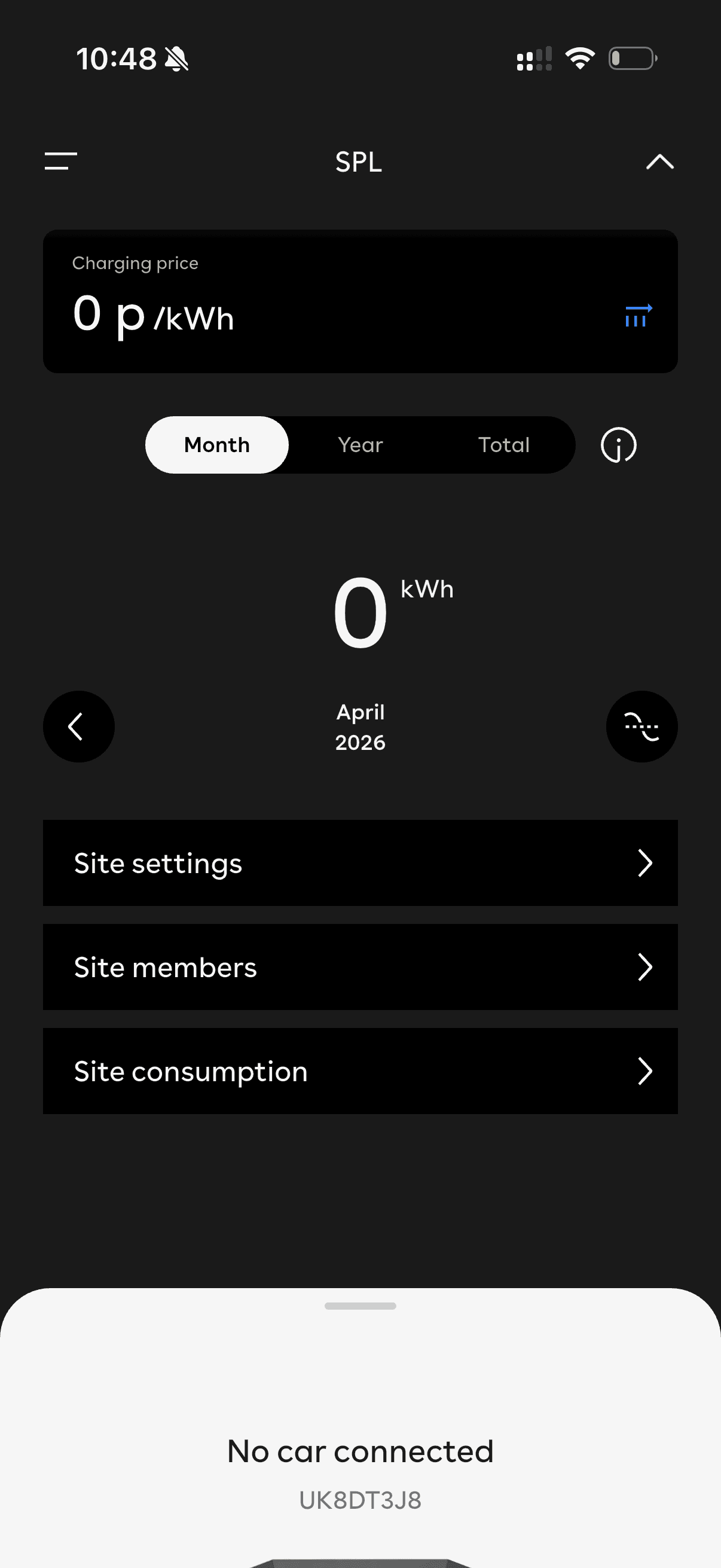
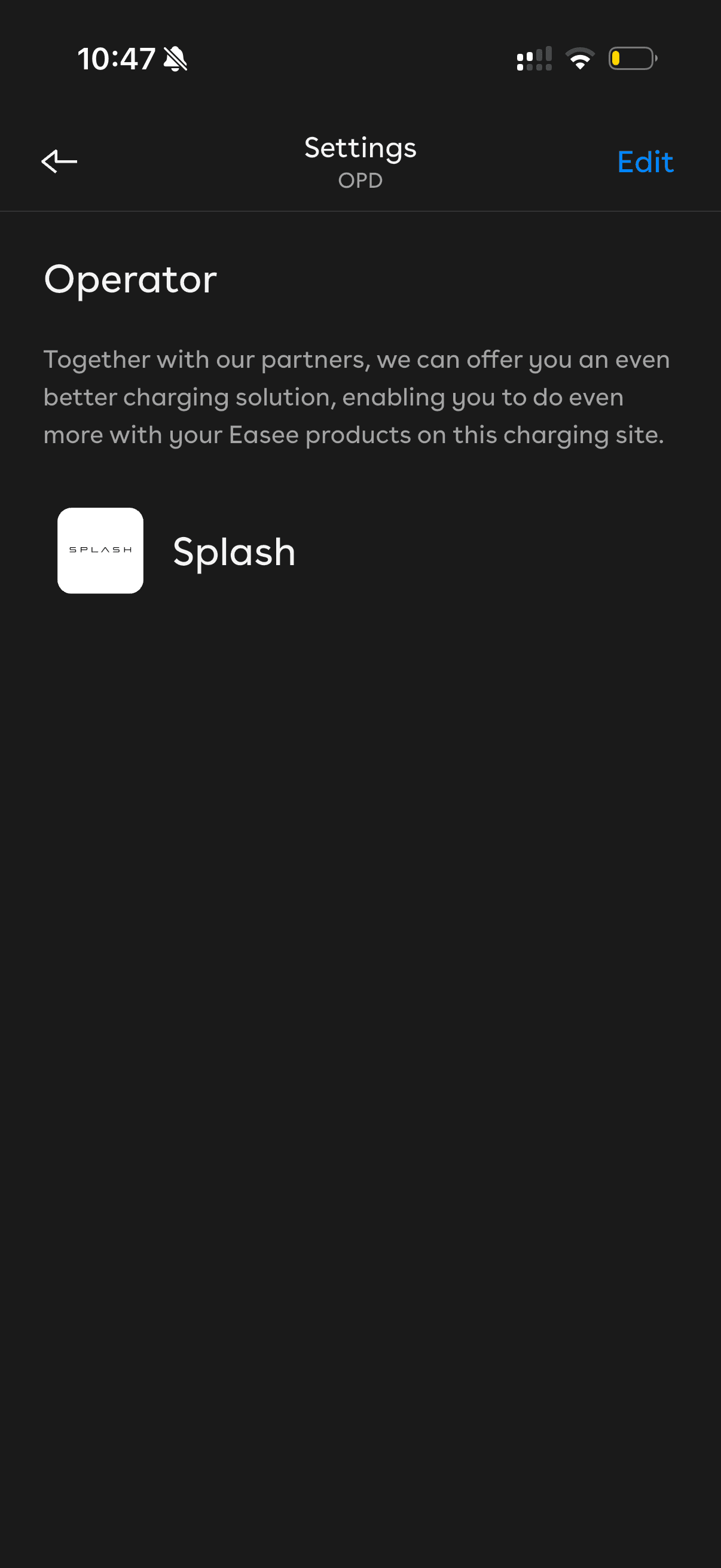
In the General section, press Operator.
In the Settings page, find the General section and tap Operator.
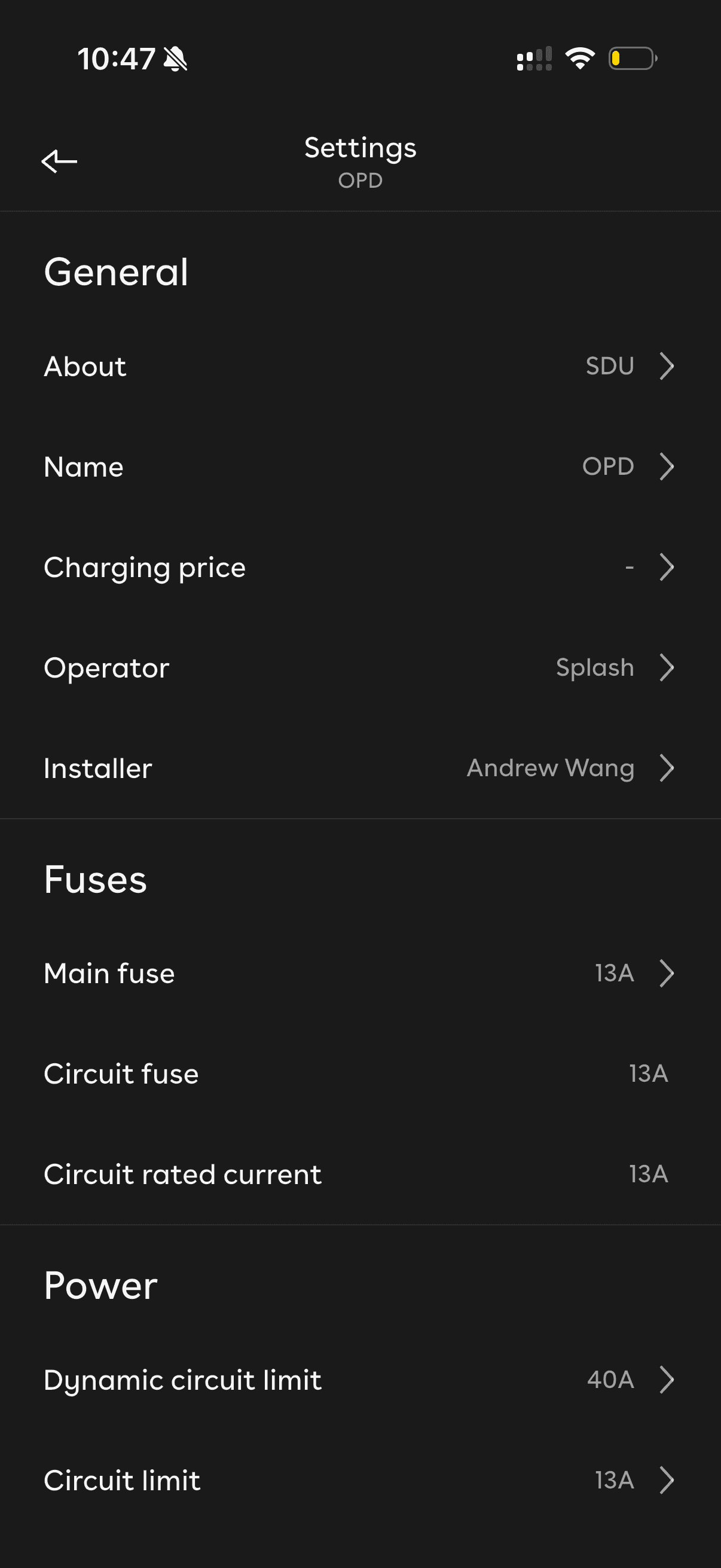
Press Edit in the top-right corner.
If your site is already connected to an operator, it will be shown here. To change it, press Edit in the top-right corner. A list of all operators is shown.
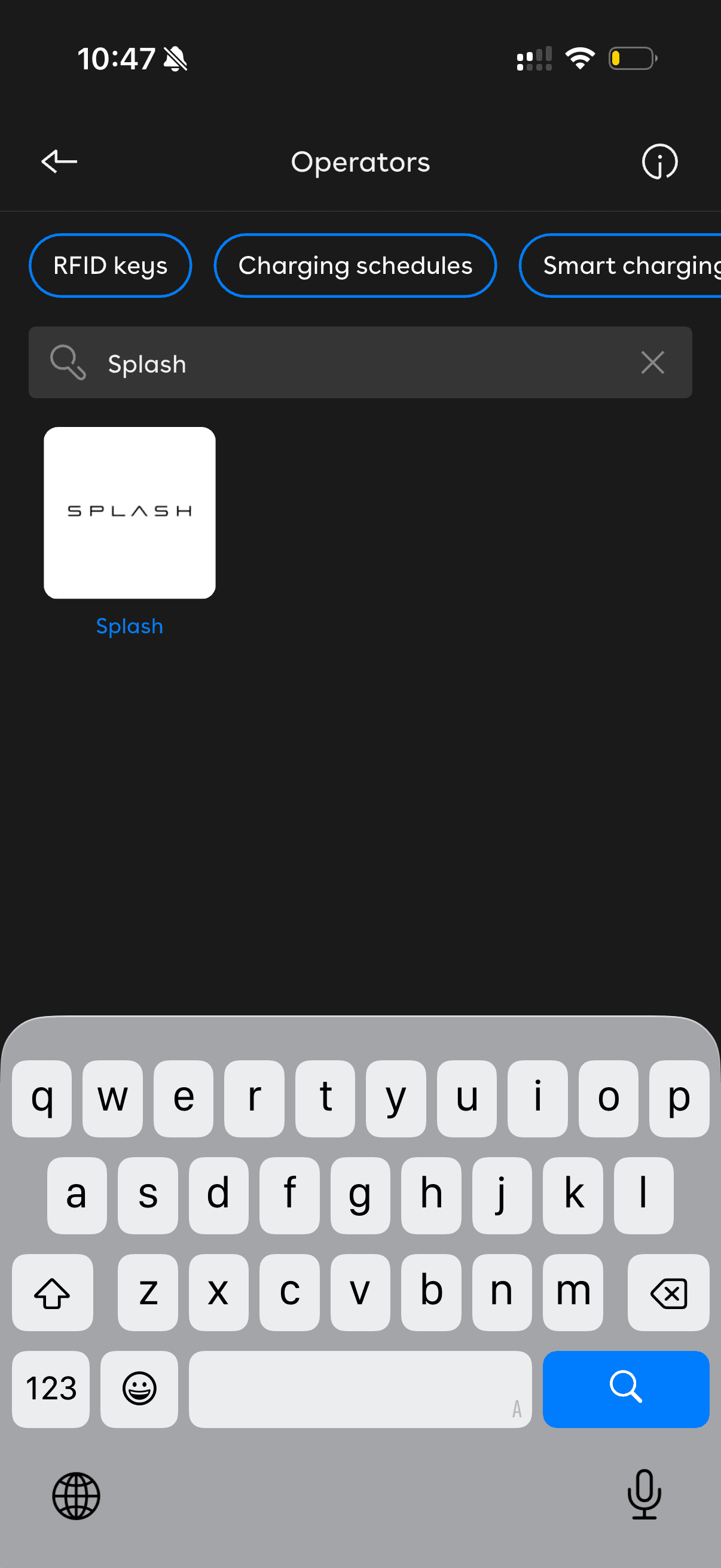
Search for and select Splash.
Search 'Splash' in the operators list, then tap the Splash tile. You'll see information about Splash. To change your selection, tap the drop-down to show the list again.
Press Save.
Press Save to complete the selection. Easee automatically applies the OCPP configuration to your charger — no URL entry needed.
Open Splash Share.
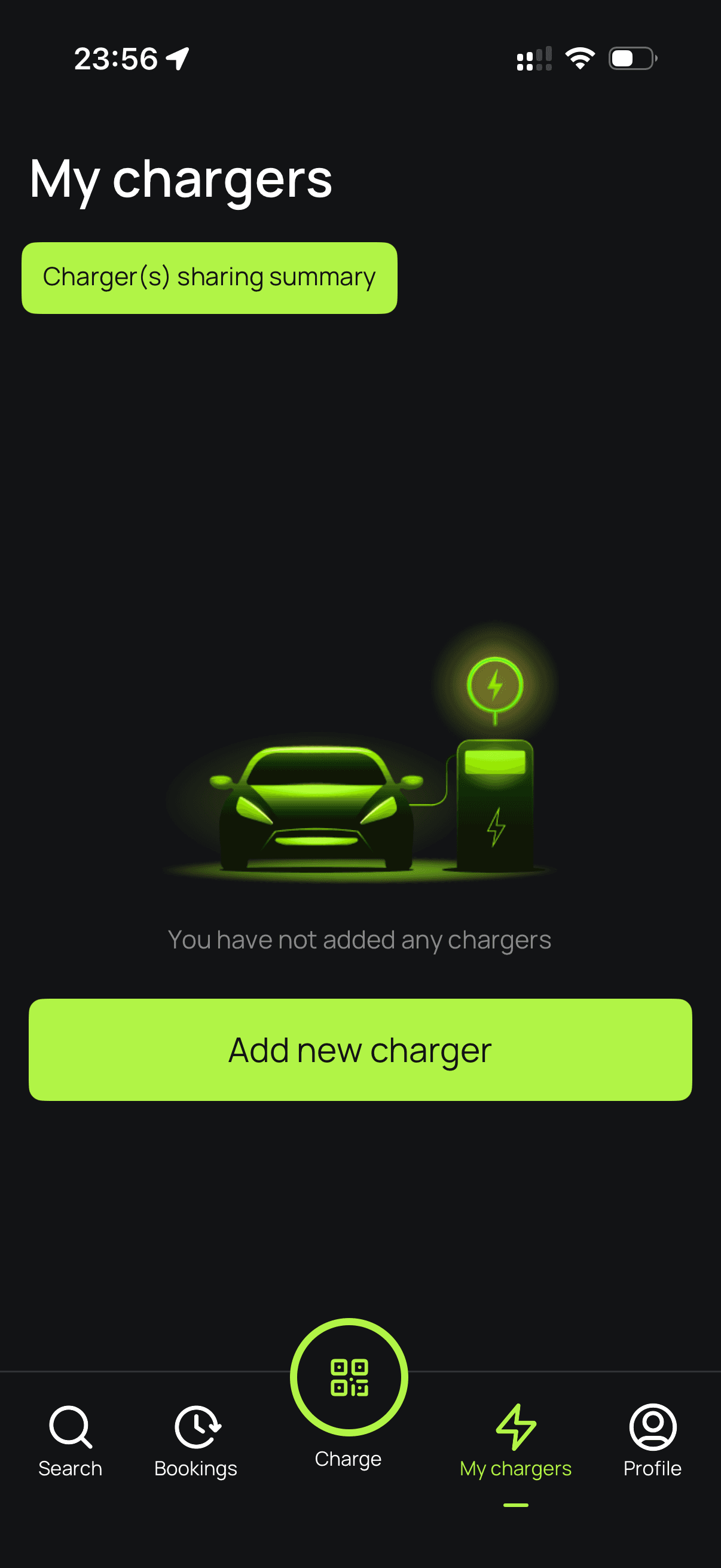
Go to My chargers → Tap "Add new charger"
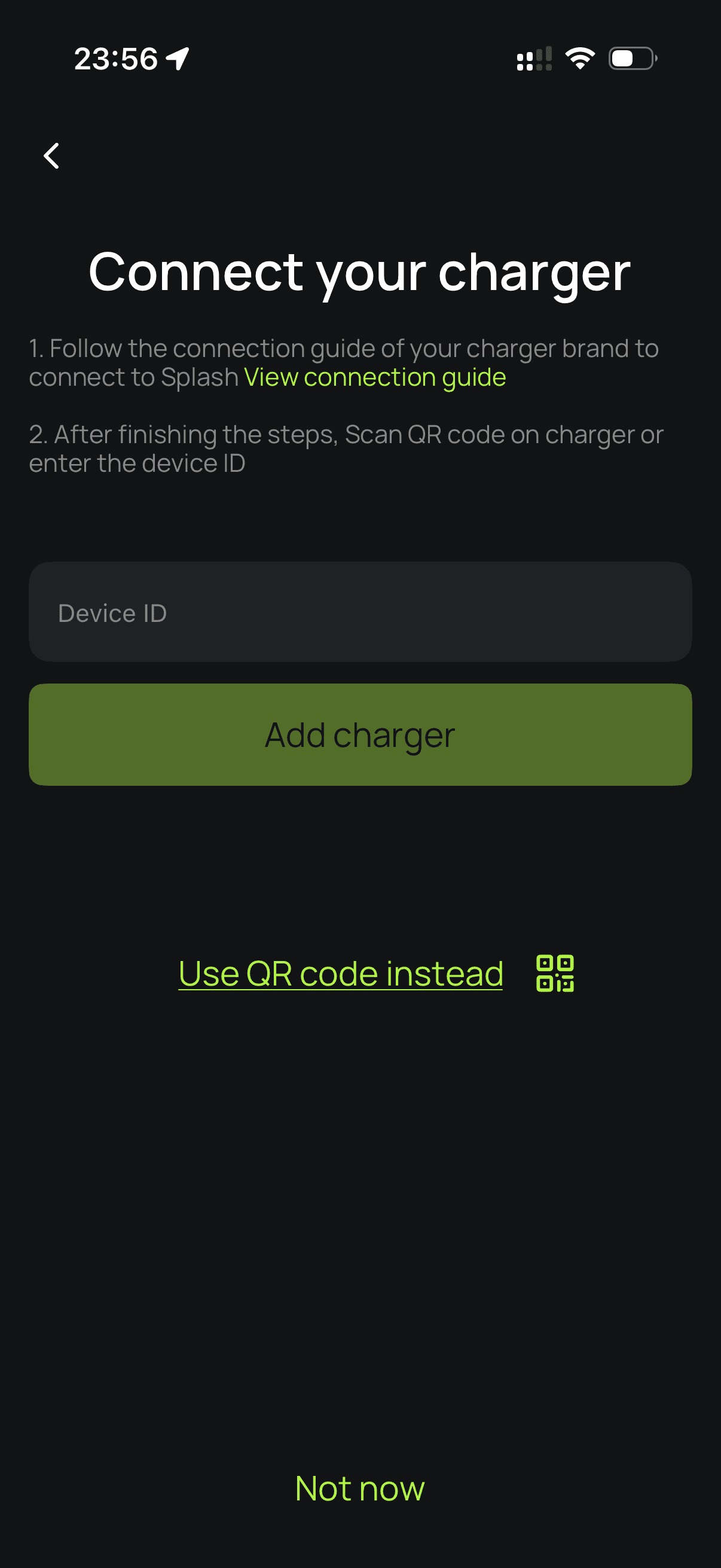
Enter your charger ID.
Enter your Easee charger's serial number to proceed.
Set up your charger.
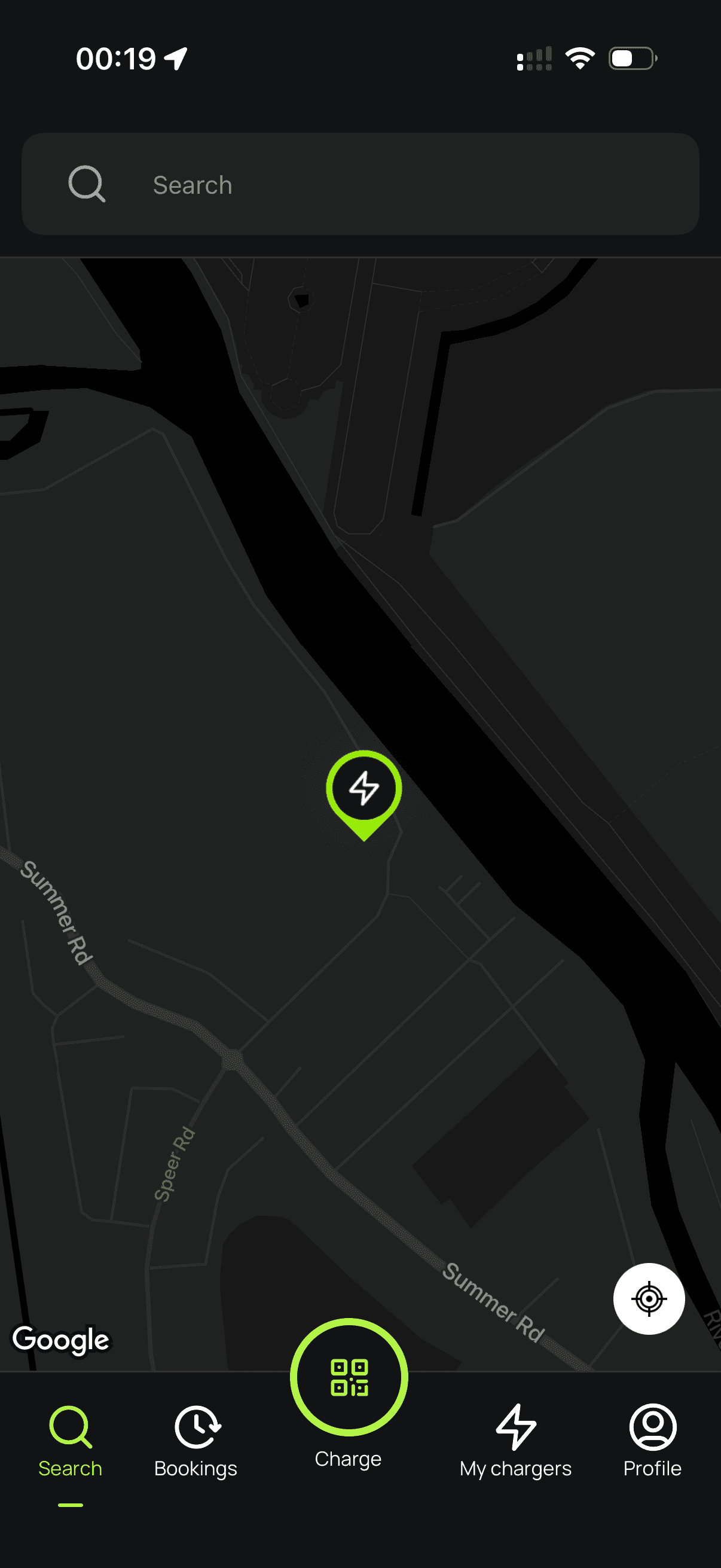
Follow the instructions to finish setting up your charger. After a minute, it should appear on the map. Until your Splash QR sticker is on the charger, guests can't actually use it — that's how they start a session. Send us a screenshot of your charger on the map via the "Need help?" link below, and we'll get a sticker in the post to you.