Fox ESS
Open the Fox Switch app.
Open the Fox Switch app and find your charger. If you haven't installed Fox Switch, download it from the App Store or Google Play.
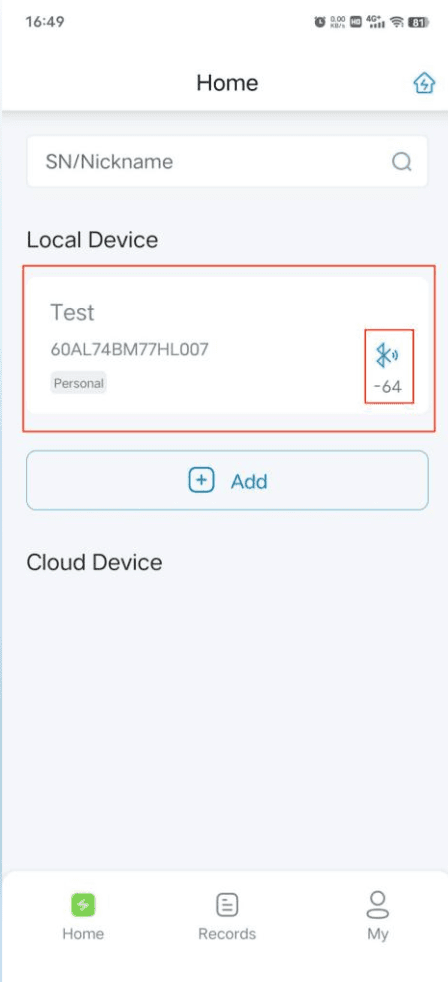
Enter the Charger Control Interface.
After you have set up the charger in FoxSwitch, click the Bluetooth icon of the EV Charger to connect via Bluetooth and enter the EV Charger Control Interface.
Set up WiFi or 4G network.
Click the button on the top-right of the Charger Control Interface and connect to WiFi (recommended) or 4G. If successful, your Fox charger will be displayed in the Cloud Device List. Note: It's recommended to restart the EV charger after network configuration for stability. You can reconnect 3 minutes after restarting.
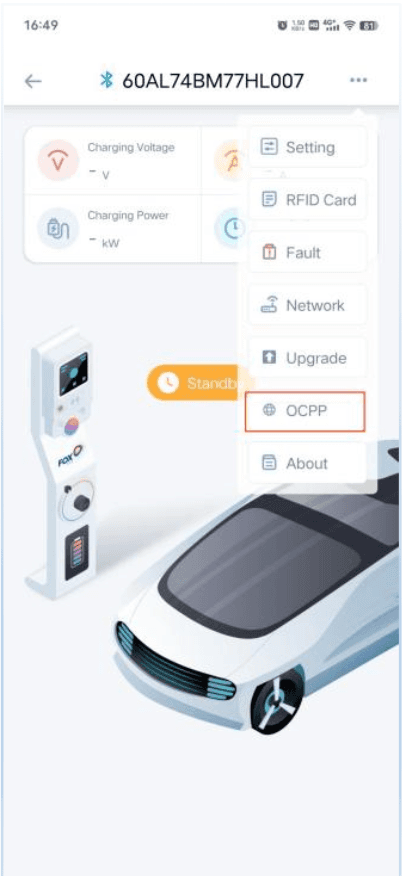
Open OCPP settings.
Press the three dots in the top right corner of the EV charger control interface, then select "OCPP" to enter the OCPP settings.
Copy the Splash URL below.
wss://cpms.splashrenewable.co.uk/
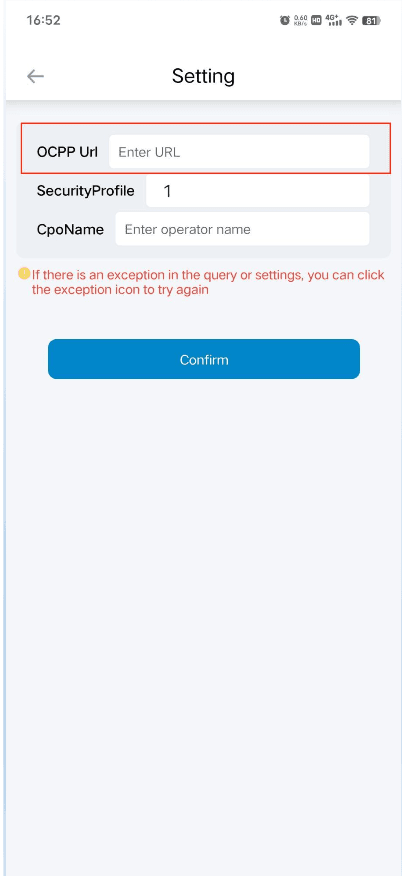
Paste the URL and set Security profile.
Paste the URL you copied into the "OCPP URL" field. Then set the "Security profile" field to 0 — this is required for the backend connection to work. Click "complete" to save.
Open Splash Share.
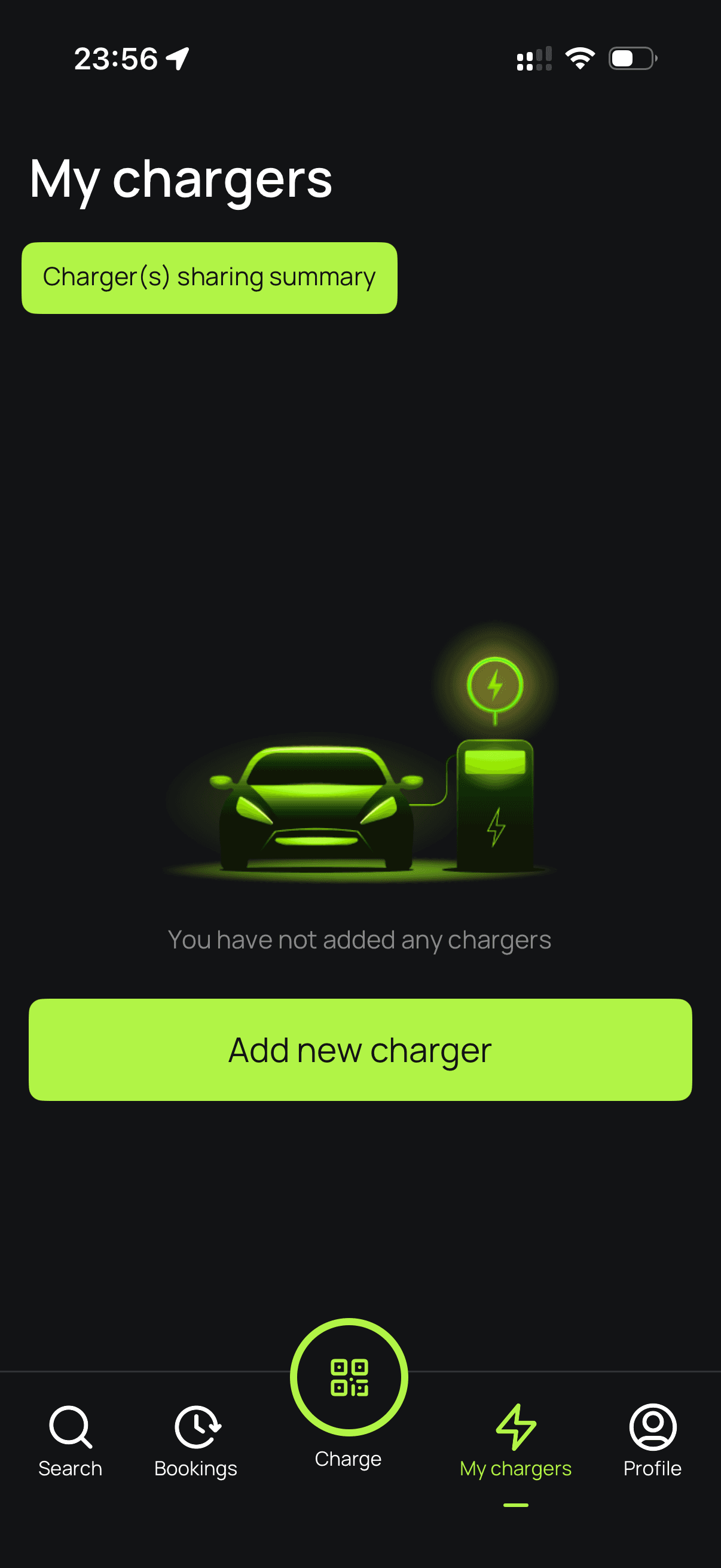
Go to My chargers → Tap "Add new charger"
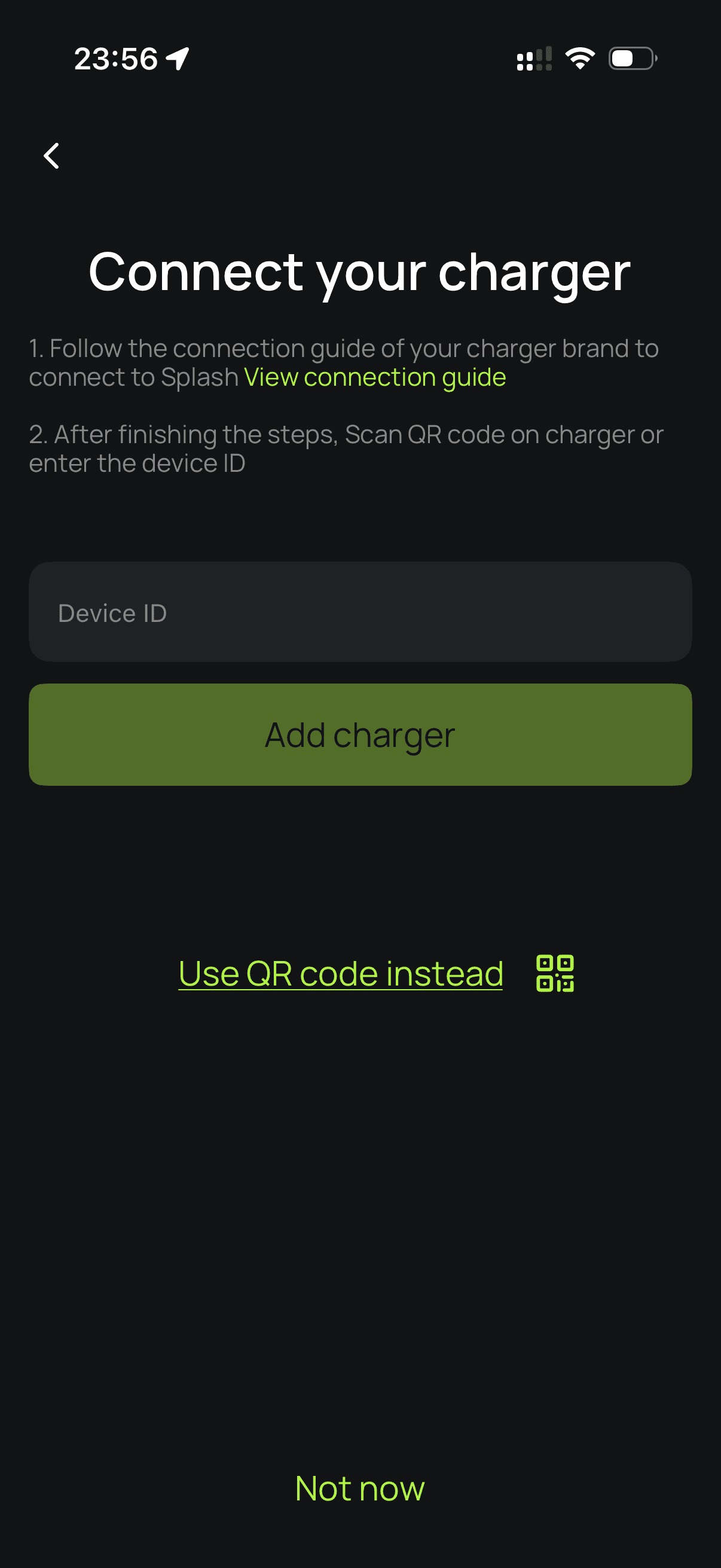
Enter the charger's serial number.
Enter your Fox ESS charger's serial number and proceed. Your Fox EV charger's serial number (SN) can be found on the Charger Control Interface in the Fox Switch app.
Set up your charger on Splash.
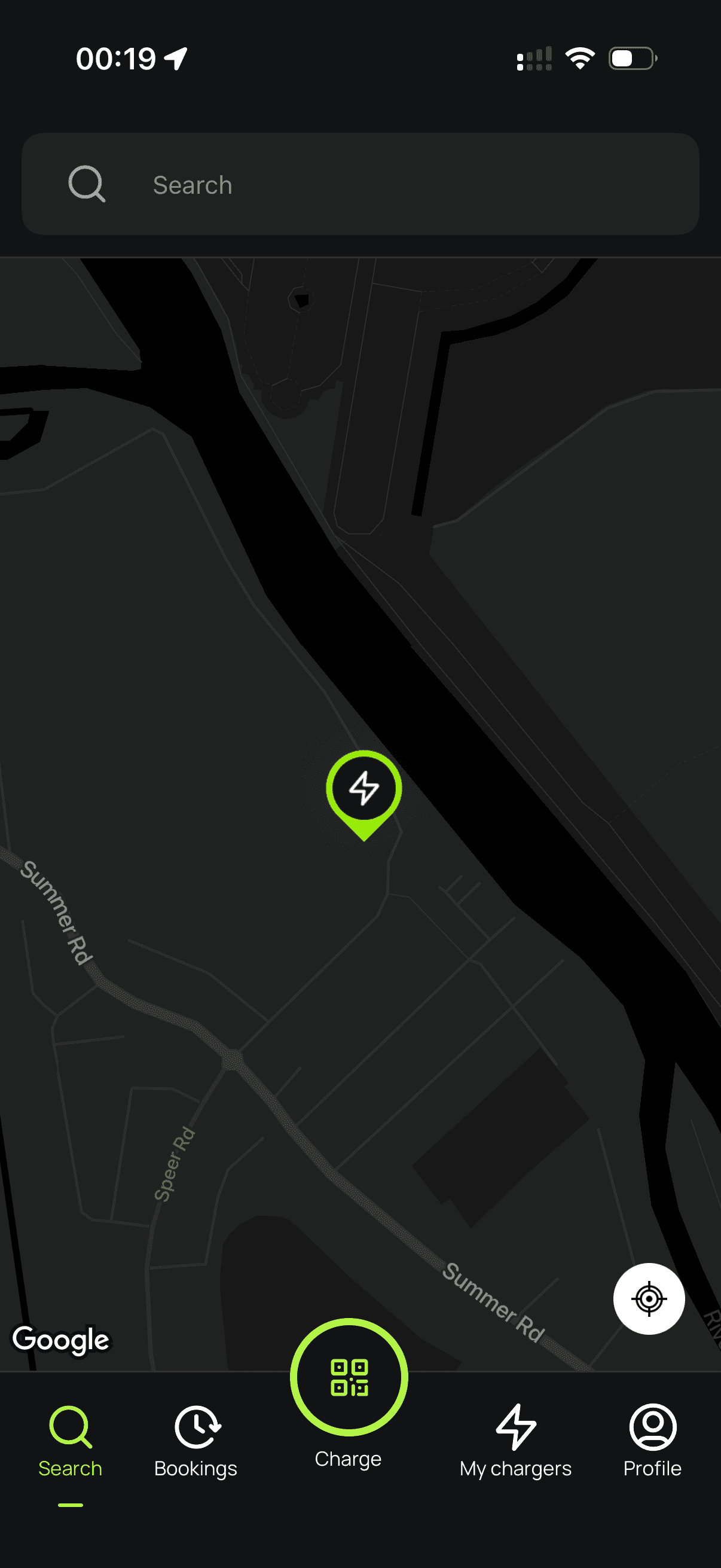
Follow the instructions to finish setting up your charger. After a minute, it should appear on the map. Until your Splash QR sticker is on the charger, guests can't actually use it — that's how they start a session. Send us a screenshot of your charger on the map via the "Need help?" link below, and we'll get a sticker in the post to you.