waEV-charge
Open the waEV-charge app.
Download and open the waEV-charge app. Go to Installer Setup.
Select your charger from the device list.
Find and select your waEV-charge charger from the list of available devices.
Enter the Access Code.
Enter the Access Code found in your charger manual to unlock the charger settings.
Go to Advanced Settings > OCPP URL.
Navigate to Advanced Settings and find the OCPP URL field.
Copy the Splash URL below.
wss://cpms.splashrenewable.co.uk/
Paste the URL and set Auth Key.
Paste the Splash URL into the OCPP URL field. Enter "NULL" for the Auth Key field.
Reboot the charger.
Reboot the charger to apply the new OCPP configuration.
Open Splash Share.
Go to My chargers → Tap "Add new charger"
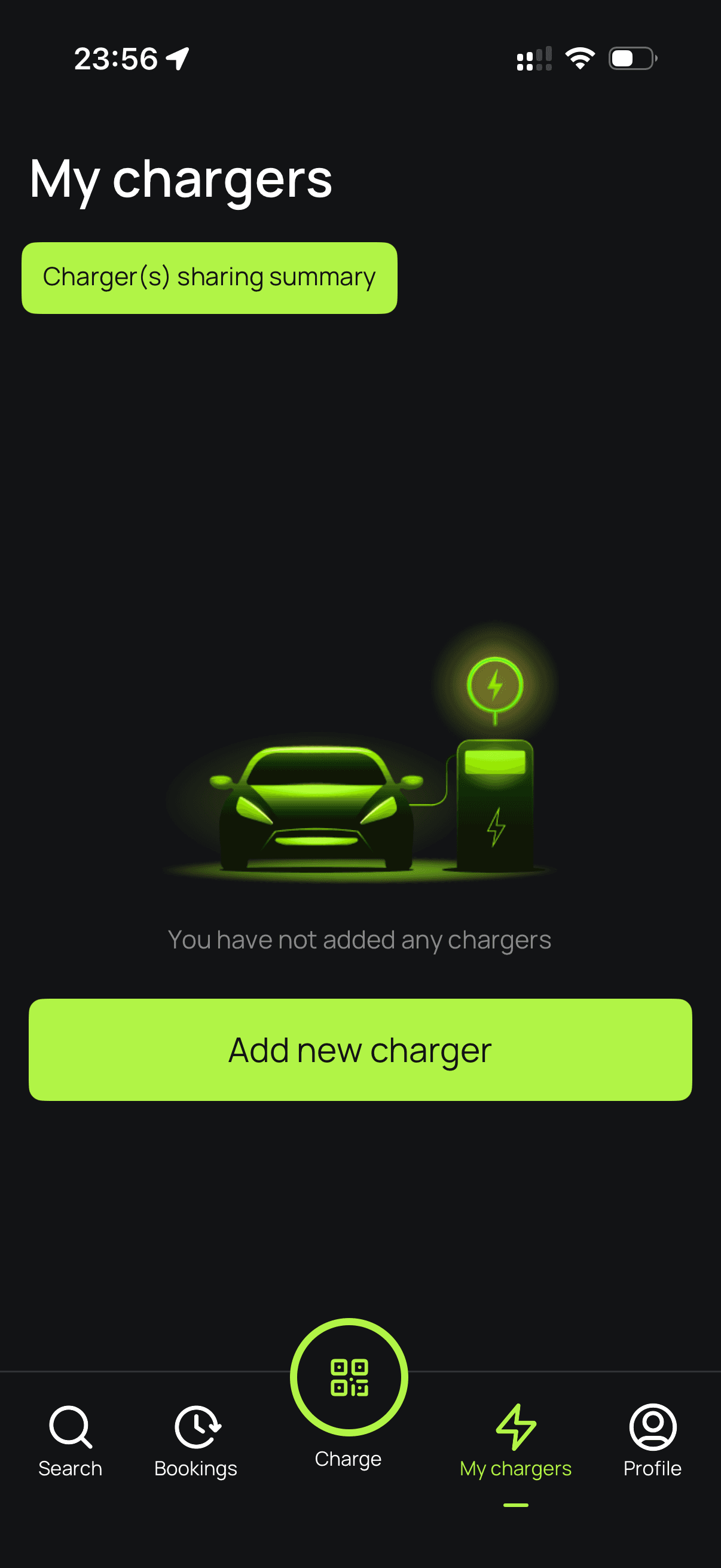
Enter your charger ID.
Enter your waEV-charge charger's serial number to proceed.
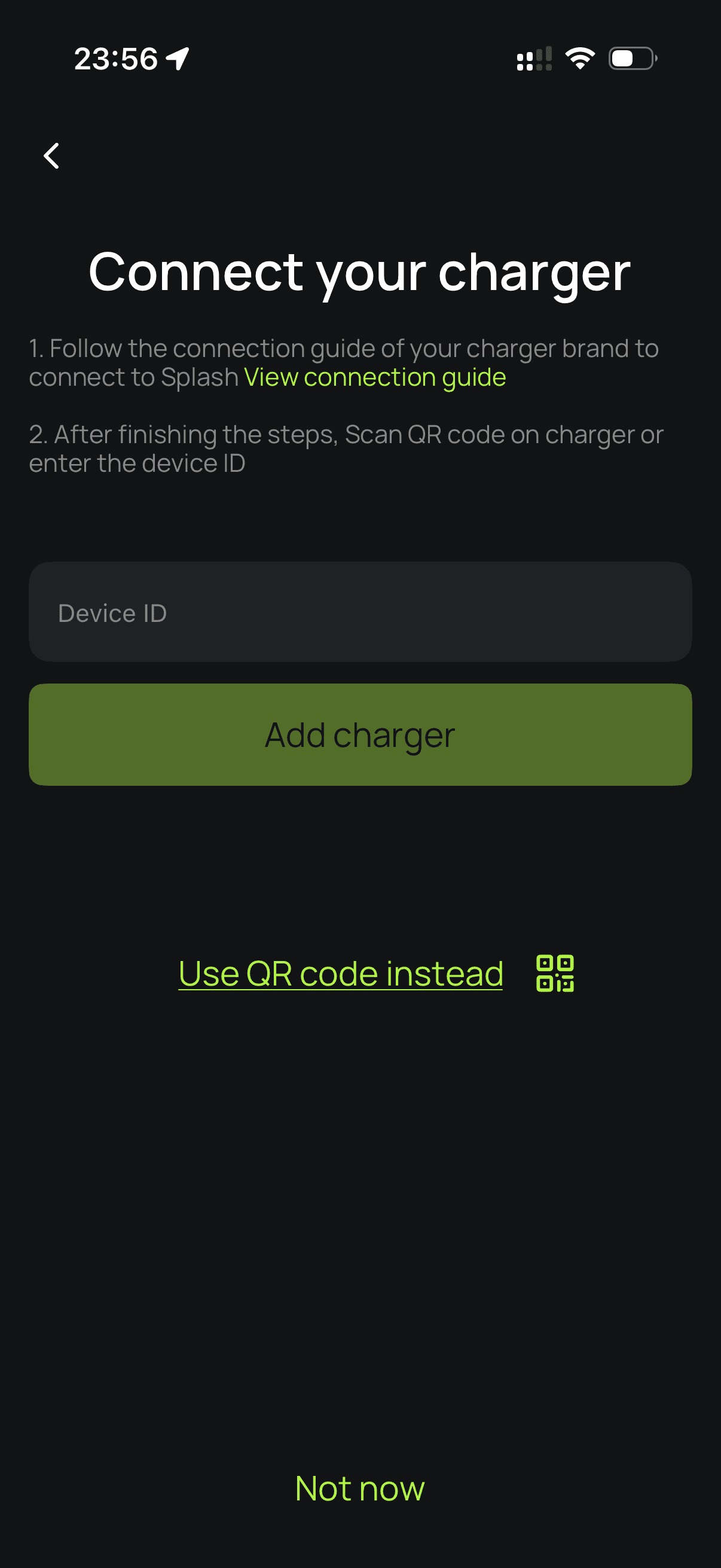
Set up your charger.
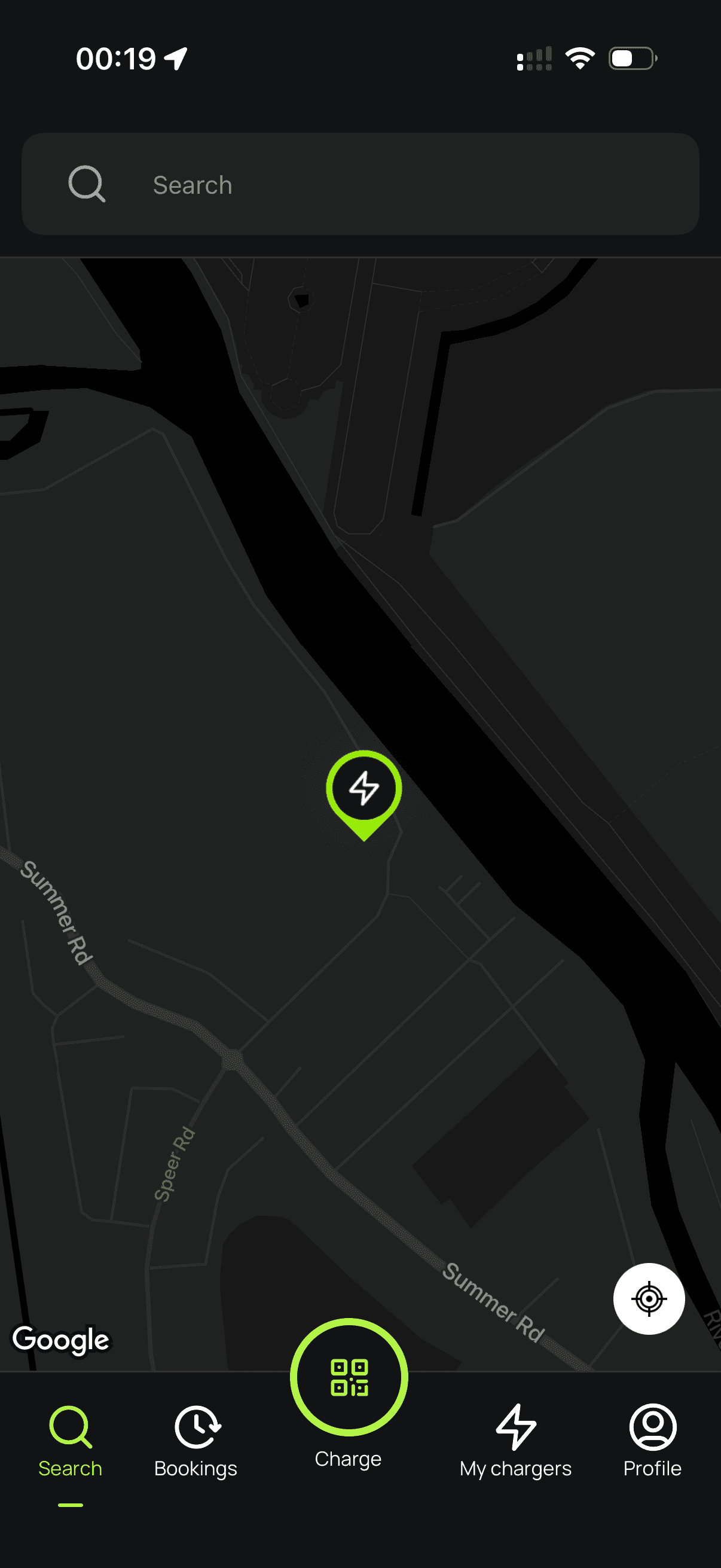
Follow the instructions to finish setting up your charger. After a minute, it should appear on the map. Until your Splash QR sticker is on the charger, guests can't actually use it — that's how they start a session. Send us a screenshot of your charger on the map via the "Need help?" link below, and we'll get a sticker in the post to you.