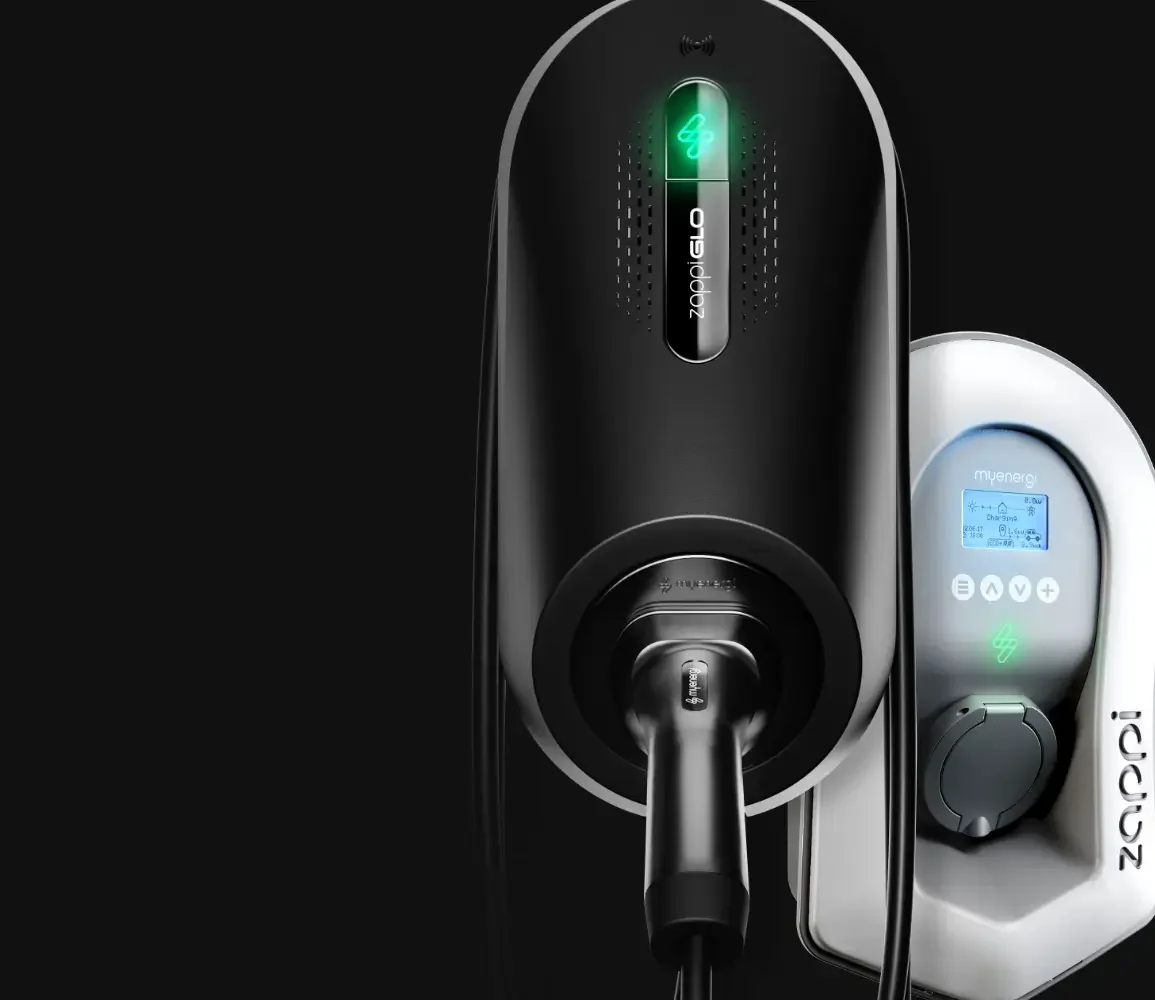

myenergi
Sign in with myenergi
- Models
- Zappi · Glo
- Account needed
- Your myenergi account
Step by step
Open Splash Share.
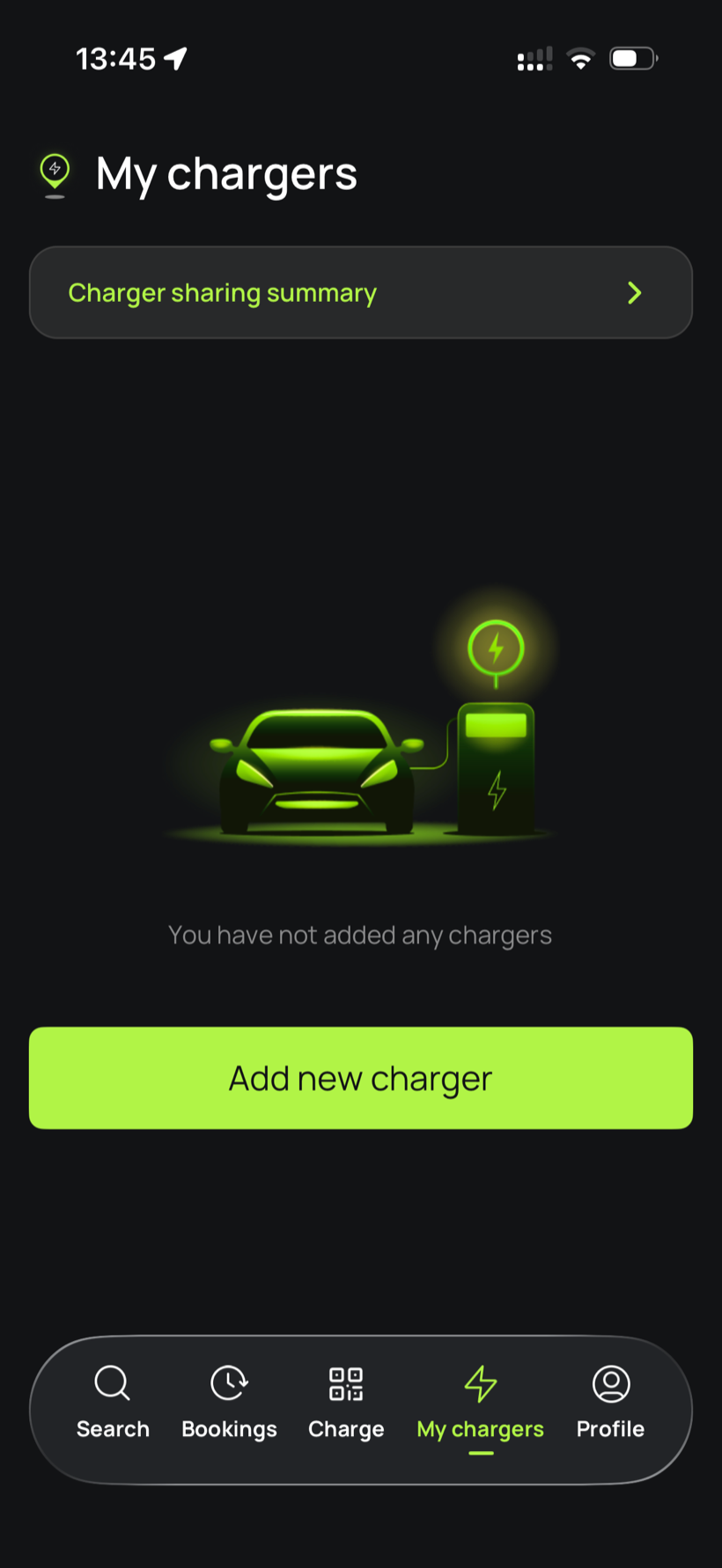
Go to My chargers, then tap Add new charger.
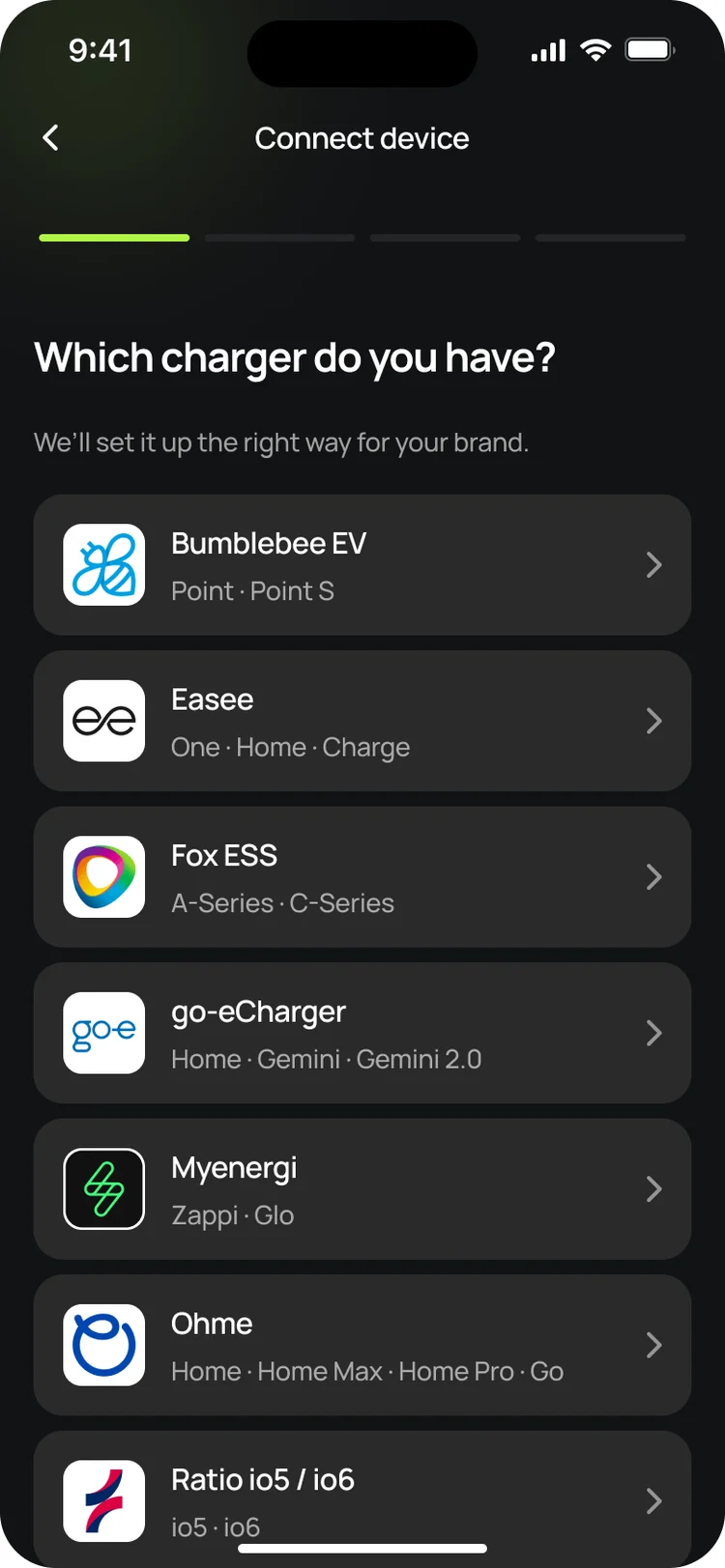
Choose myenergi.
Pick myenergi from the list of charger brands.
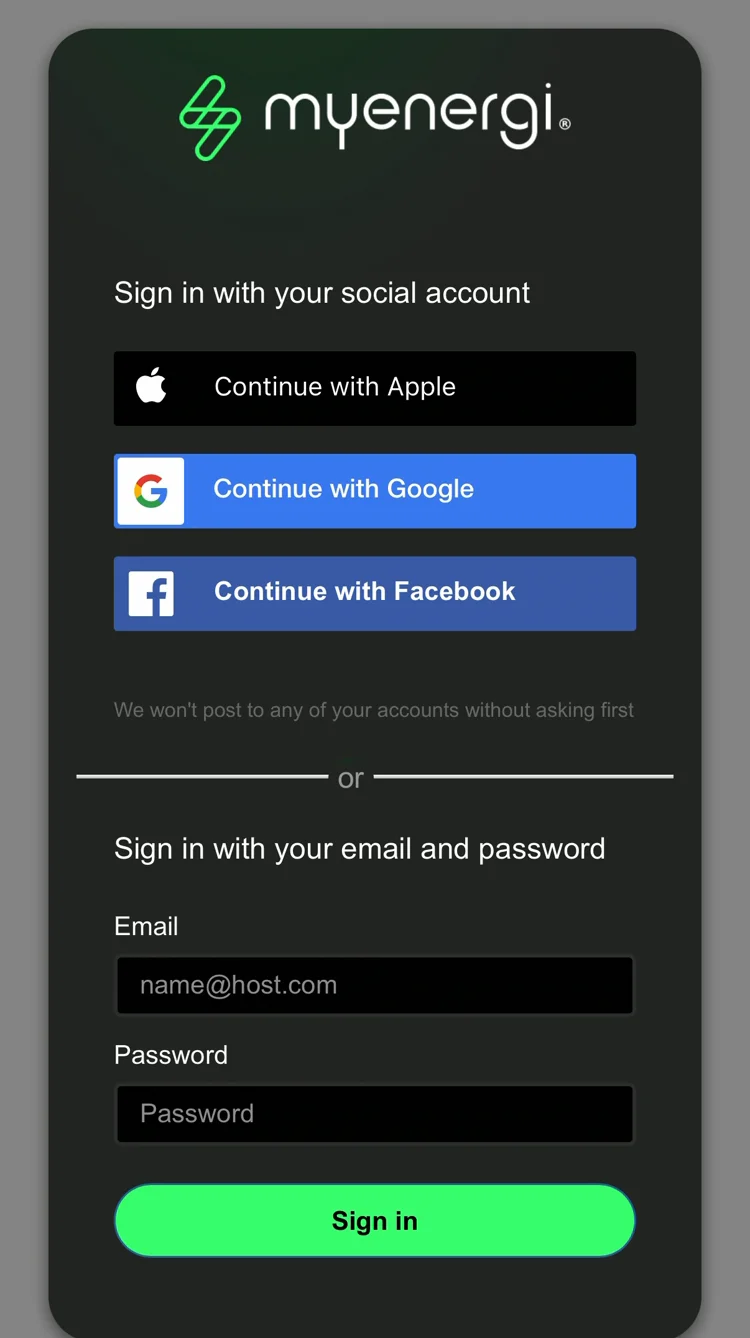
Sign in to your myenergi account.
Splash takes you to myenergi's own sign-in page. Sign in the way you do in the myenergi app, with Apple, Google, Facebook or your email, and approve the connection. Splash never sees your myenergi sign-in details.
Choose your charger.
Back in Splash, if your account has more than one charger, pick the one you want to share.
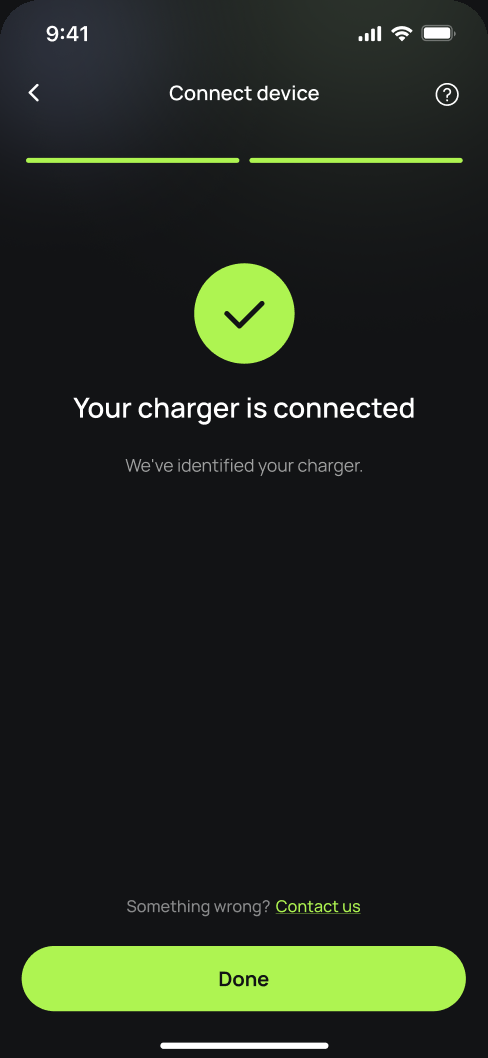
You're connected.
Splash confirms your charger is connected. Tap Done.
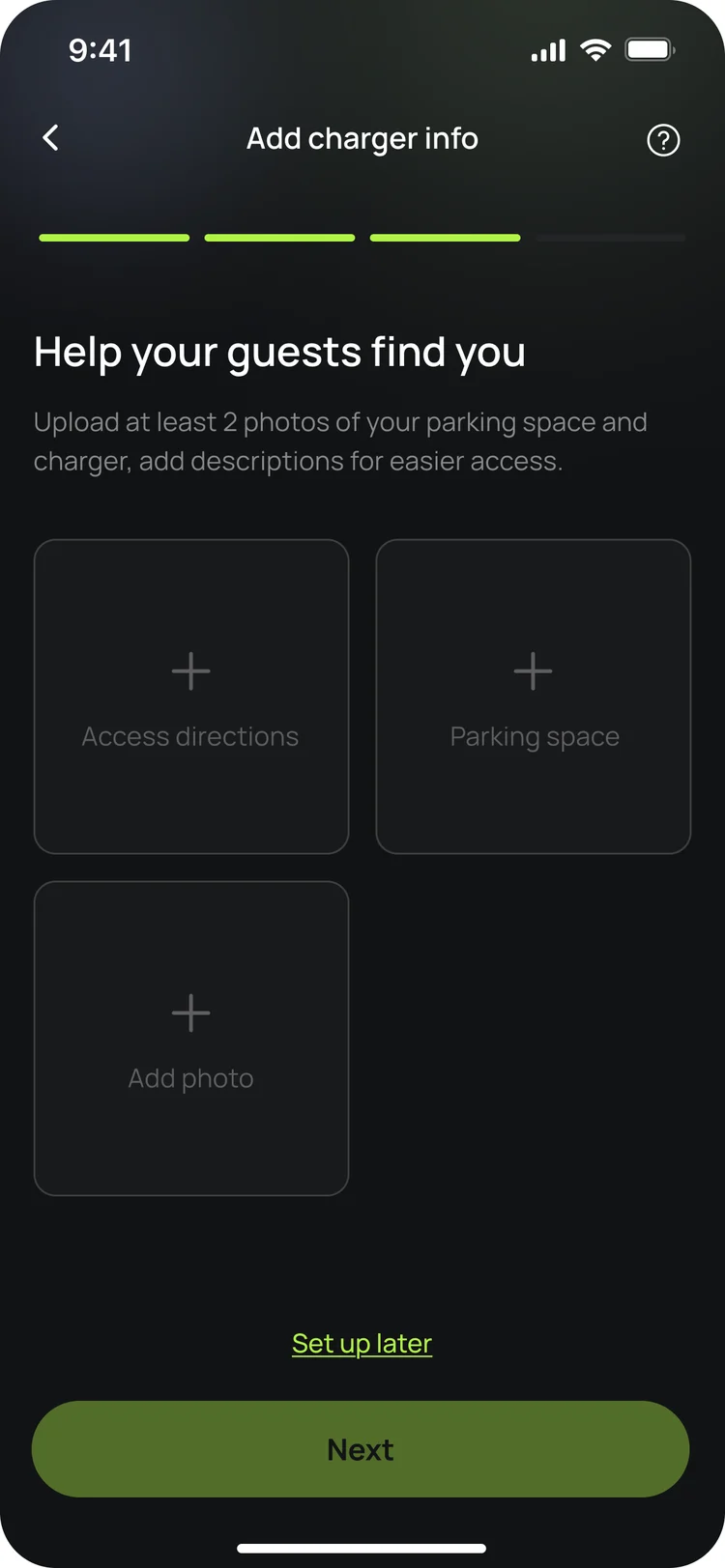
Finish setting up in the app.
Your charger isn't live yet. In the app, add your charger's details, including at least two photos of your parking space and the way in, so guests can find it. Once you're done we'll know, and we'll post your Splash QR sticker out to you so guests can scan it to start a session.
Updated 4 Oct 2026